
QTT OS / Poster maker
Poster maker · logo maker · flyer maker
Poster, flyer and logo maker in your brand
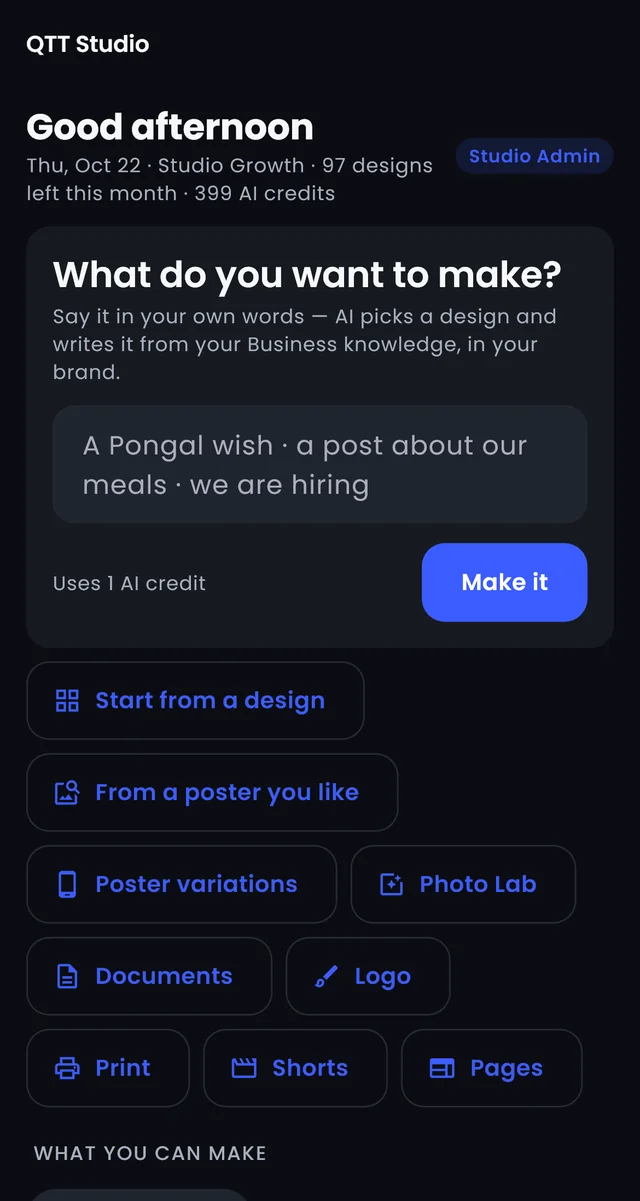
Say what you want — “a Pongal wish”, “a post about our meals” — and Studio picks a design and writes it from your business details, in your logo, colours and fonts. Change it by asking, then post it or print it.
Free to start — see the plan Free to start — no card.
- Always your brandYour logo, colours and fonts on every design.
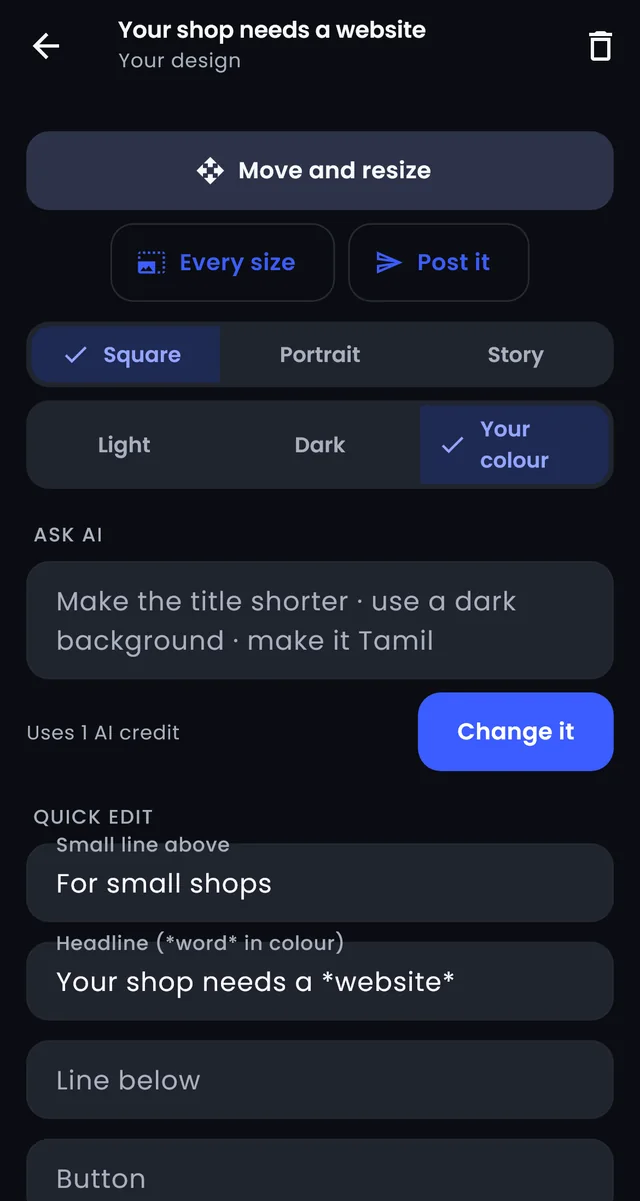
- Ask, don't fiddle“Make the title shorter”, “use a dark background” — done.
- Every sizeSquare, portrait and story — wide for poster variations.
- One libraryEvery design saved where all your apps can use it.
Inside poster maker
What the poster maker does
Make
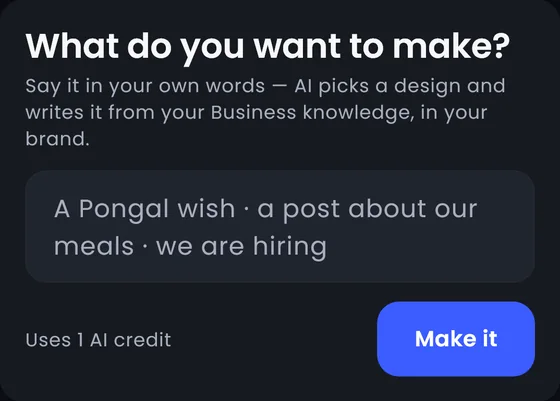
Say what you want. Studio designs it.
Type what you need and Studio picks a design and writes it from your business details. Ask AI to change it, or edit the words yourself.
- Writing a post uses 1 AI credit
- A design without AI uses none
- English, Tamil, Hindi and Arabic
Ready designs
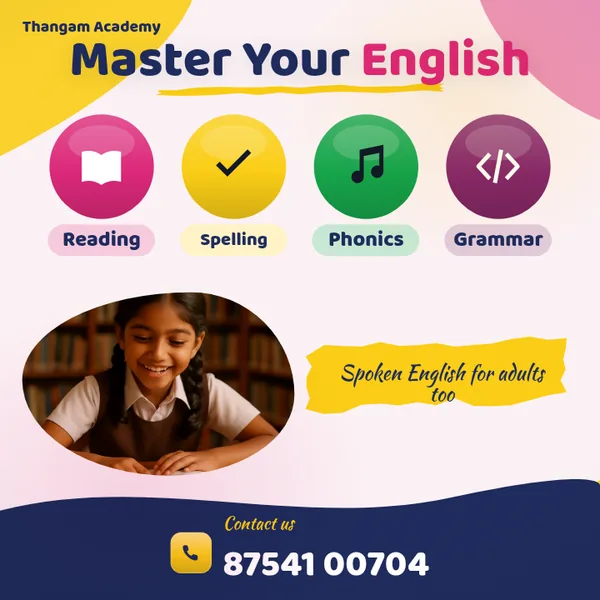
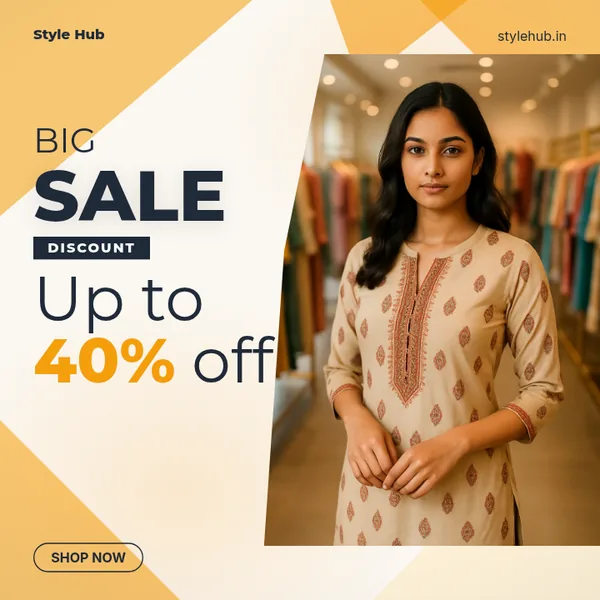
Designs for every kind of business
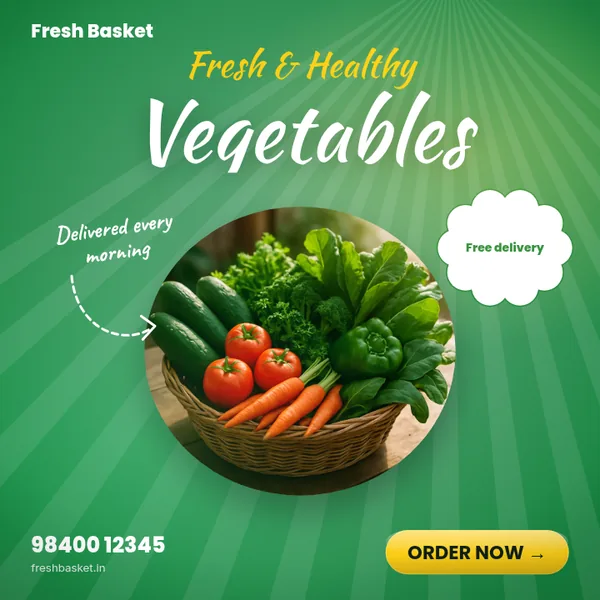
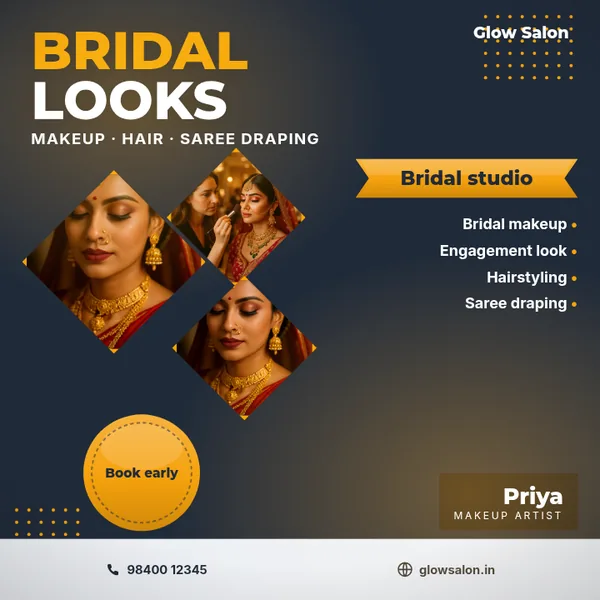
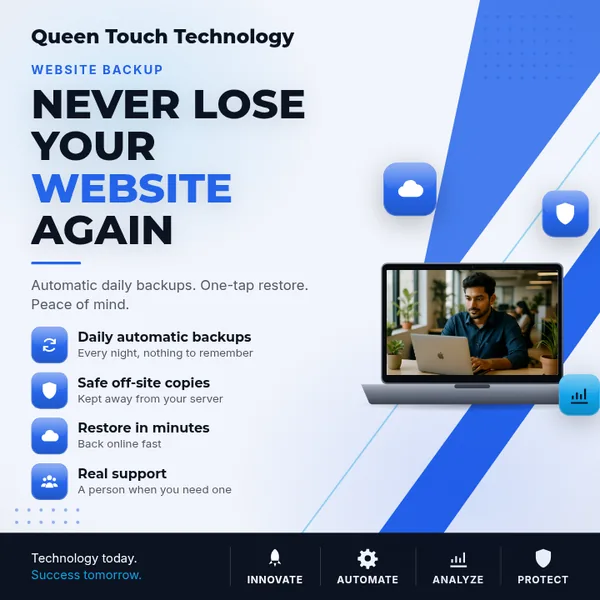
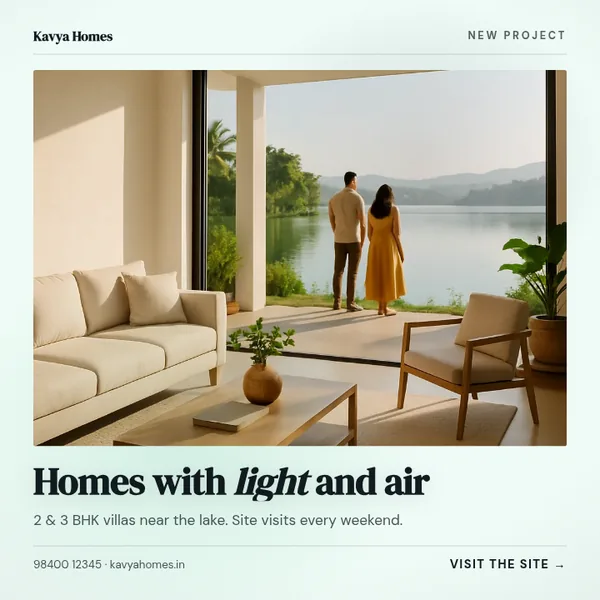
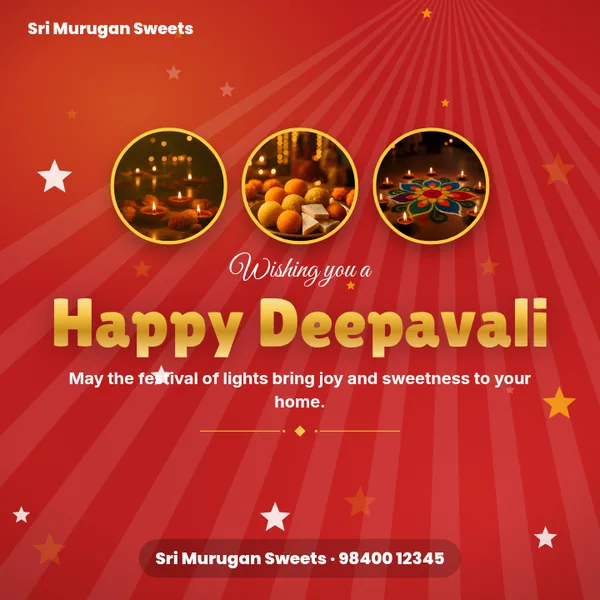
Studio's library has designs for food, beauty, shops, schools, homes, technology and more — each made in your own colours with your words. These are Studio's own sample businesses.

Everything in one studio
From a post to a visiting card
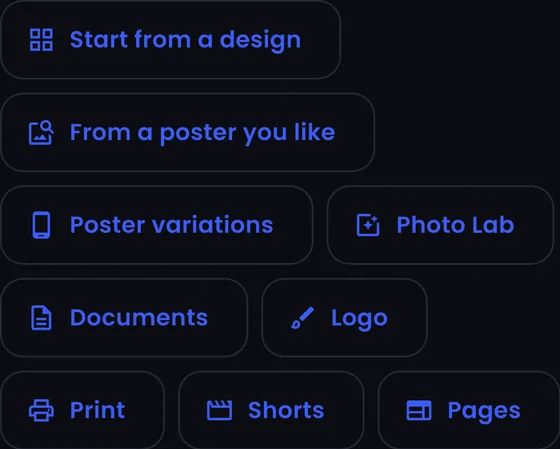
Poster variations from your app or website screenshots (your screen shown exactly as it is), Photo Lab for product photos, documents and letterheads, logos, print, Shorts and landing pages.
- Poster variations never redraw your screenshot
- Photo Lab: light, colour, cut-outs and backgrounds
- Flyers, menus and visiting cards ready to print
How it works
From an idea to a finished post
Describe
Say what you want in a line.
Pick
Studio makes it in your brand.
Change
Ask AI or edit the words.
Use
Post it, print it or save it to your library.
Also in poster maker
Social posts
Square, portrait and story sizes for every post.
Poster variations
Several styles from one real screenshot.
Photo Lab
Better light and colour, cut-outs and backgrounds.
Documents
Letterheads and letters in your brand.
Logos and print
Logos, visiting cards, flyers and menus.
Shorts and pages
Short videos from photos and one-page landing pages.
Poster maker is free to start
Then one plan covers all 8 apps — the free amounts, what the plan includes and top-ups, all on one page, always current.
Questions
Will Studio change my app screenshot?
No. Poster variations place your screenshot exactly as it is inside a phone frame. It is never redrawn, recoloured or written on.
What is an AI credit?
AI jobs such as writing a post or making an AI background use AI credits. Each Studio plan includes credits every month; making a design without AI uses none.
Is it free?
Yes — Studio is free to start, with 10 designs free. When you need more, one plan covers all 8 apps.
Start free in the app today
Sign in or create your business in a minute — on your phone or in your browser. Free to start — no card.